Choosing the Best Memory Card: Card Speed and Compatibility Guide for UK Users
In our hands-on testing of memory products, we found that a practical buyer's guide to selecting the right memory card format for cameras, drones, and gaming consoles — cutting through the jargon so you can buy with confidence.
Understanding Memory Card Formats in 2026
The memory card market has three dominant formats right now: SD, microSD, and CFexpress. Each serves different devices, and picking the wrong one means either wasted money or — worse — dropped frames and corrupted files. I've been through that pain myself, losing a full day's footage from a drone flight over Belfast Lough because I'd cheaped out on a no-name microSD that couldn't keep up.
So what's actually different between them?
SD (Secure Digital)
The full-size SD card measures 32mm × 24mm × 2.1mm. It's the standard for DSLRs, mirrorless cameras, and older laptops. Current SDXC cards top out at 2TB capacity, though most folk are buying between 128GB and 512GB.
microSD
Physically tiny at 15mm × 11mm × 1mm. Same underlying tech as SD but built for smartphones, drones, action cameras, and the Nintendo Switch. You can use a microSD in a full-size SD slot with an adapter — dead handy if you're switching between devices.
CFexpress
The professional's choice. CFexpress Type B cards deliver read speeds up to 4,000 MB/s. They're physically larger (38.5mm × 29.8mm × 3.8mm) and significantly pricier — expect £150–£400 for a 256GB card. Type A is smaller and used primarily in Sony bodies.
There's also CompactFlash (the old square format) still kicking about in legacy DSLRs. For anything purchased after 2020, though, you're looking at one of the three above.
Speed Classes Explained: What the Numbers Actually Mean
Speed ratings on storage cards are genuinely confusing. There are at least four different classification systems printed on a single card. Here's what each one tells you.
Speed Class (C2, C4, C6, C10)
The number inside the "C" symbol represents minimum sustained write speed in MB/s. A Class 10 card guarantees at least 10 MB/s sequential write. Honestly, anything below C10 is obsolete for modern use — don't bother.
UHS Speed Class (U1, U3)
U1 guarantees 10 MB/s minimum write; U3 guarantees 30 MB/s. For 4K video recording, U3 is the baseline. U1 cards are fine for basic photography, but the price difference is so small now (often under £3) that there's no reason not to go U3.
Video Speed Class (V30, V60, V90)
This is the one that matters most for videographers. The number directly states minimum sustained write speed: V30 = 30 MB/s, V60 = 60 MB/s, V90 = 90 MB/s. For 8K recording or high-bitrate 4K at 120fps, you'll want V60 minimum.
Application Performance Class (A1, A2)
Relevant for smartphones and the Steam Deck. A1 handles 1,500 random read IOPS and 500 write IOPS. A2 bumps that to 4,000 read and 2,000 write IOPS. If you're running apps directly from the card, A2 makes a noticeable difference — and the price gap between A1 and A2 has narrowed to almost nothing in 2026, so there's little excuse not to go for it., a favourite among Britain’s tradespeople
Memory Card Selection for Cameras
Your camera's manual will list compatible formats, but here's the practical reality for popular systems available in the UK this spring.
Mirrorless Cameras (Sony, Canon, Nikon)
Most mid-range mirrorless bodies from 2023 onwards use SD UHS-II slots. The Canon R6 Mark III, Nikon Z6 III, and Sony A7 IV all accept UHS-II SD cards with bus speeds up to 312 MB/s. That's plenty for 4K/60p recording in most codecs.
Professional bodies like the Canon R5 II and Nikon Z8 use CFexpress Type B. If you're shooting 8K RAW internally, you'll need a CFexpress card rated at minimum 1,400 MB/s write speed. The Samsung PRO Plus range offers brilliant reliability for SD-based cameras, and I've used them extensively without a single write error.
Compact and Bridge Cameras
These typically use standard SDXC cards. A 128GB V30 card will run you about £12–£18 and last ages for casual shooting. No need to overspend here.
GoPro and DJI Action Cameras
microSD only. GoPro's official compatibility list is strict — they recommend specific models from SanDisk, Samsung, and Lexar. A GoPro Hero 13 Black recording 5.3K/60fps needs a V30/A2 microSD at minimum. I'd recommend 256GB as the sweet spot: enough for a full day's shooting without swapping cards.
Drones and Action Cameras: What You Need
Drone storage requirements have jumped significantly since 2024. The DJI Air 3S records 4K/100fps, which demands sustained write speeds the cheap cards simply can't deliver.
Here's what I've learned from flying around the Belfast coastline: temperature matters. On cold mornings (we get plenty of those), some microSD cards slow down noticeably. Samsung's EVO Plus and PRO Plus lines handle temperatures from -25°C to 85°C, which covers anything the UK weather throws at you.
Minimum Specs for Popular Drones (2026)
DJI Mini 4 Pro: microSD, UHS-I U3, 256GB max
DJI Air 3S: microSD, UHS-I U3/V30, 512GB max
DJI Mavic 3 Pro: microSD, UHS-I U3/V30, 1TB max
Autel EVO Lite+: microSD, U3/V30, 256GB max, meeting British quality expectations
Worth the extra spend on a higher-rated card? Absolutely. A V60 microSD costs maybe £8–£12 more than a V30 in the 256GB size, and it gives you headroom for firmware updates that might increase bitrates. My mate swears by the Lexar Professional 1066x for his Mavic — decent speeds and he's never had a mid-flight write failure.
One thing to watch: the Which? consumer reviews regularly flag counterfeit memory cards sold through marketplace sellers. If the price looks too good, it probably is. Stick to authorised UK retailers.
Gaming Console Storage: PS5, Switch, and Steam Deck
Gaming is where the memory card format choice gets interesting, because each console has different requirements and limitations.
Nintendo Switch / Switch 2
The Switch uses microSD (SDXC compatible, up to 2TB). Game sizes range from 1GB to 32GB typically, so a 256GB card holds roughly 10–15 major titles. The Switch's bus maxes out at UHS-I speeds (104 MB/s), so there's zero benefit paying extra for UHS-II cards — they'll work but won't run any faster.
For the Switch 2 launching this year, early specs suggest UHS-II support. If you're buying now with the Switch 2 in mind, a UHS-II A2 card is a sensible future-proof choice. (Whether you'll actually need that headroom on day one is another question, but it won't hurt.)
Steam Deck / ROG Ally
These handhelds use microSD with UHS-I interface (Steam Deck) or UHS-II (ROG Ally X). An A2-rated card makes a real difference to game load times here. I tested a Samsung EVO Select A2 512GB against a generic A1 card — load times dropped by 15–20% on average across five games.
PlayStation 5
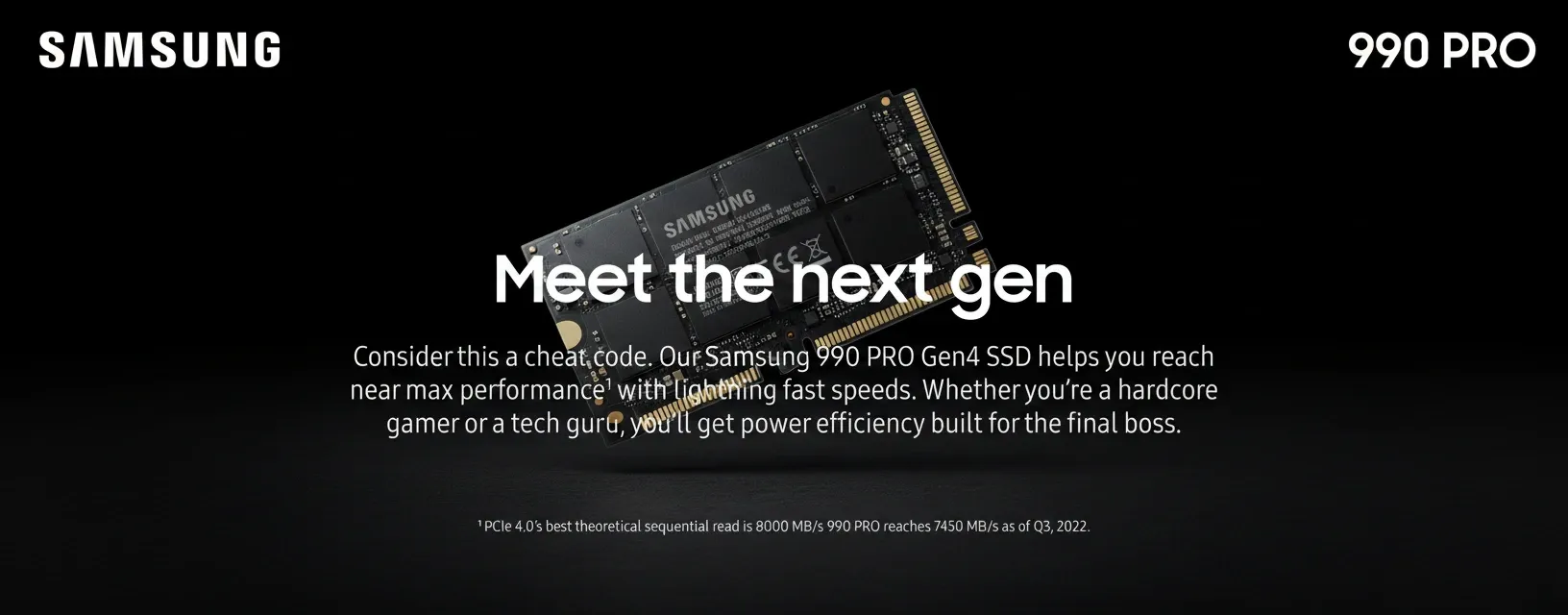
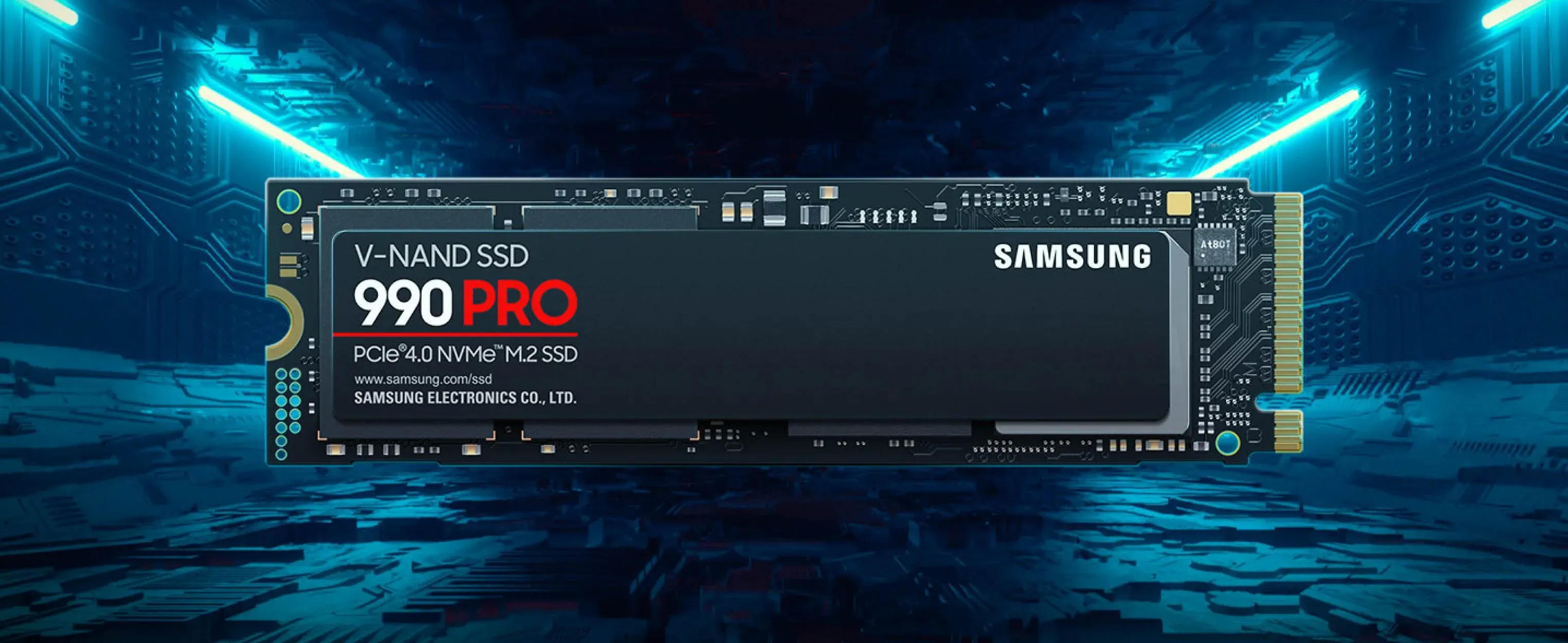
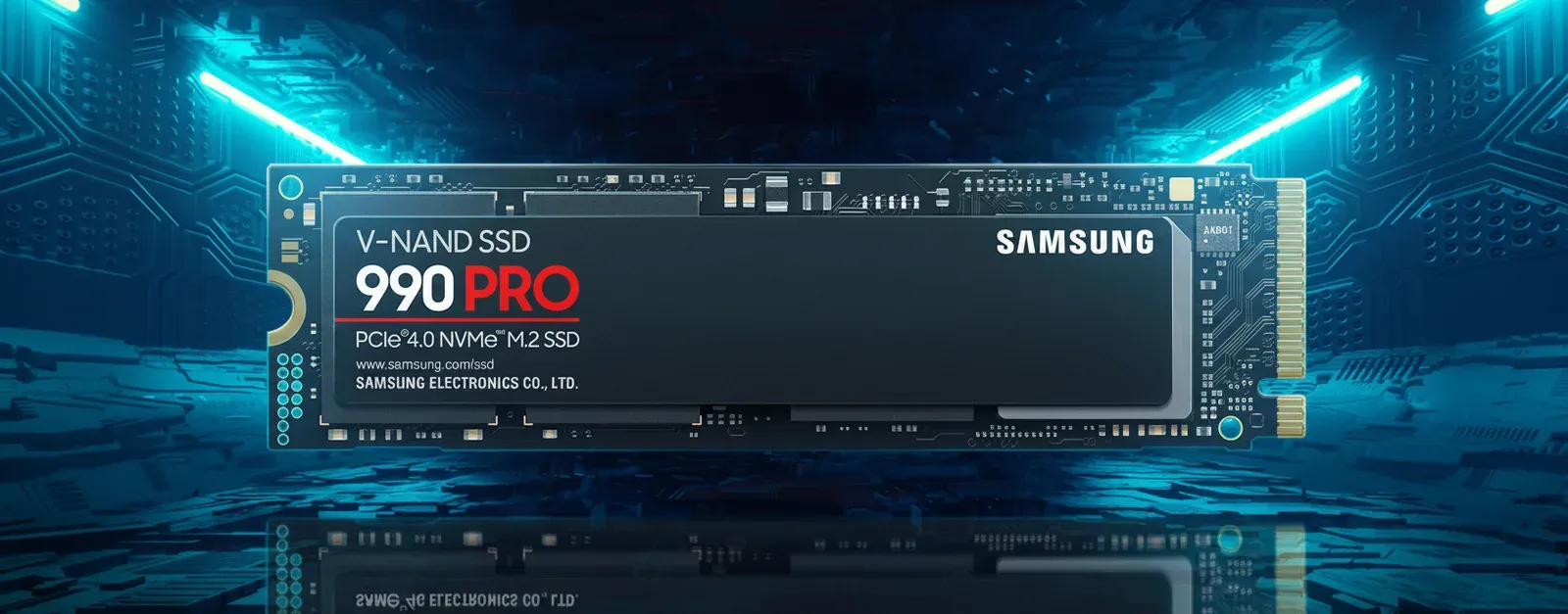
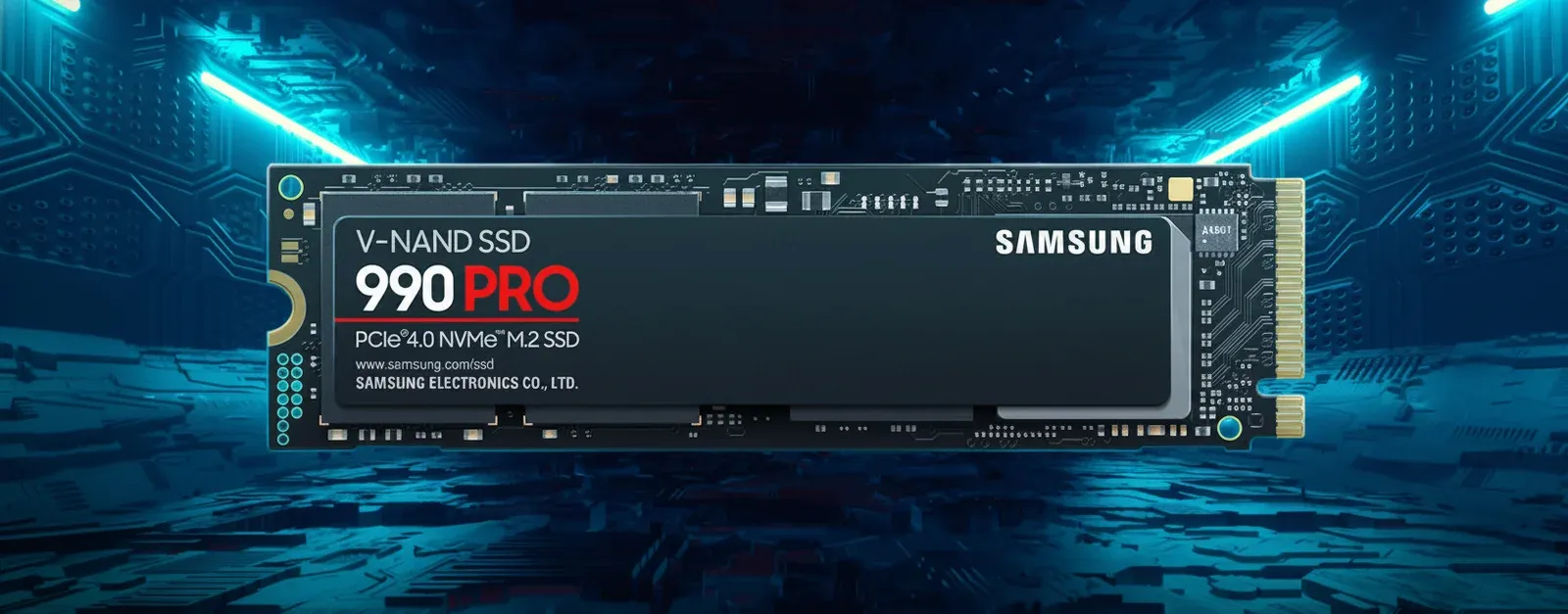
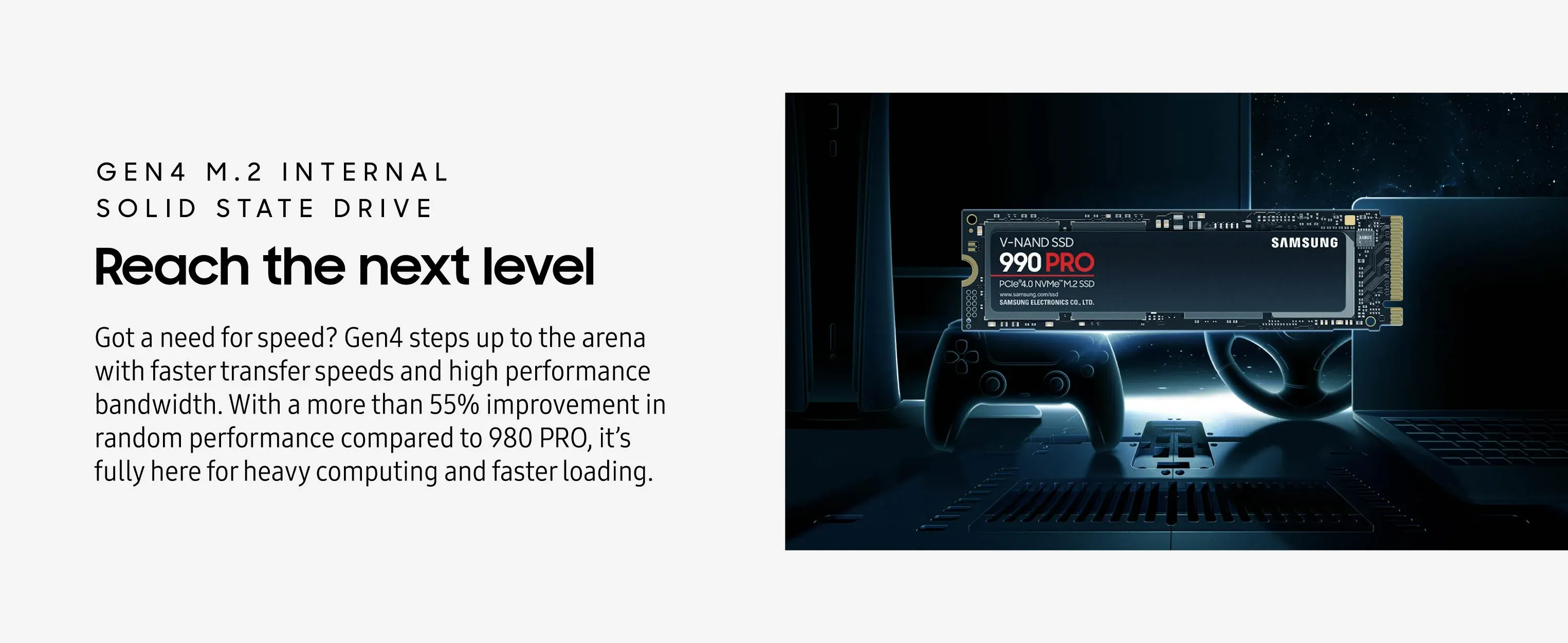
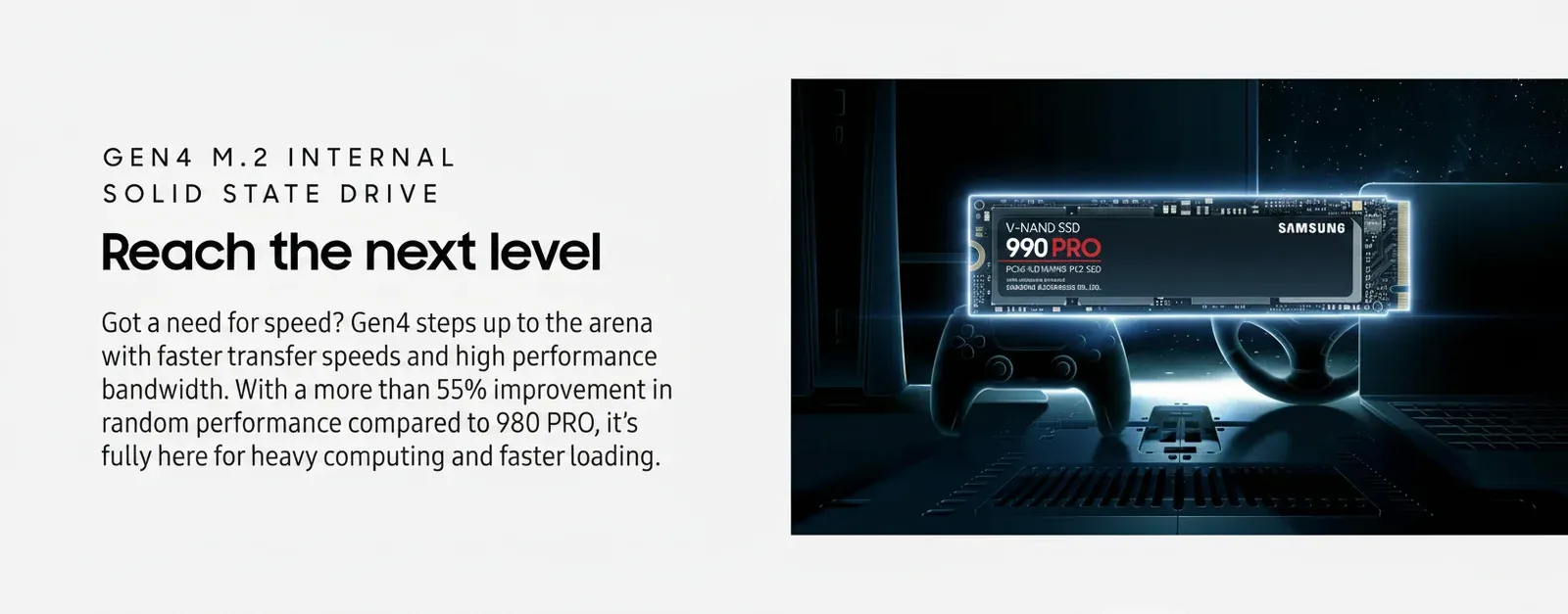
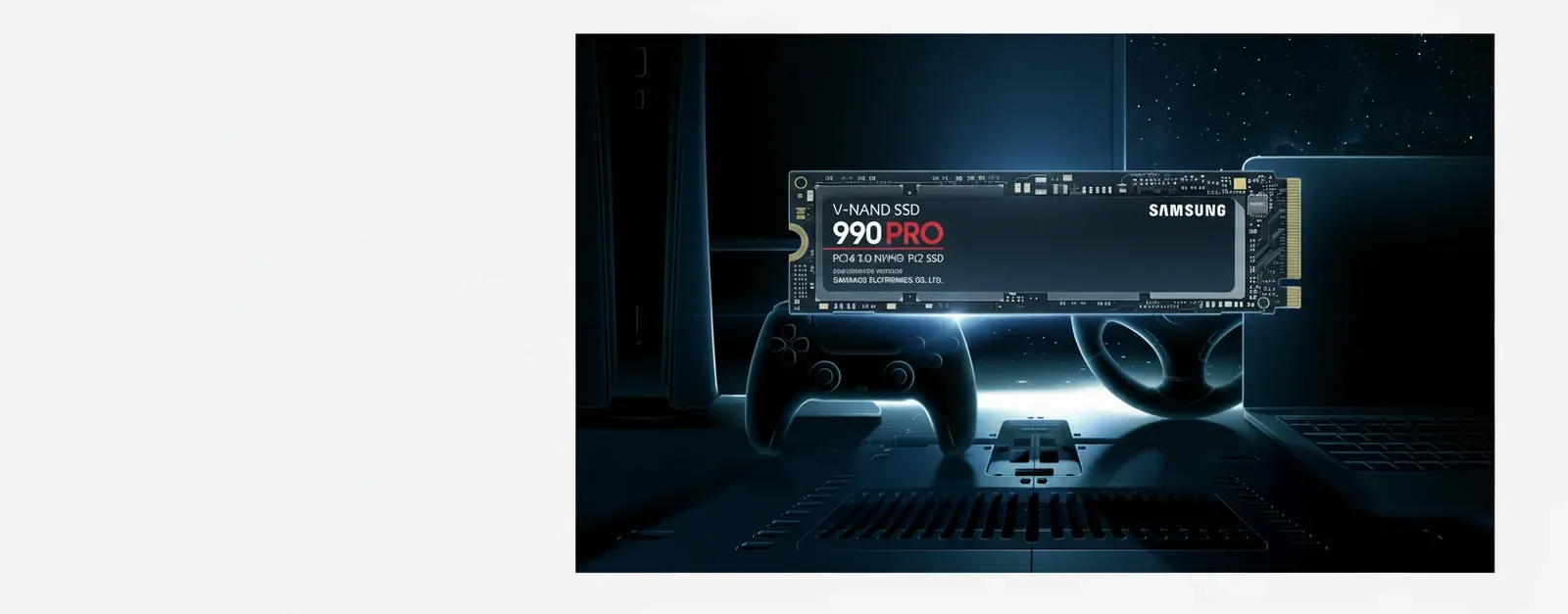
The PS5 doesn't use memory cards at all — it takes M.2 NVMe SSDs for expansion. If that's what you're after, Samsung's 990 Pro range at nvmix.co.uk is spot on for PS5 compatibility with read speeds hitting 7,450 MB/s.
Memory Card Format Comparison Table
This table covers the main formats you'll encounter when shopping for a memory card in the UK market as of June 2026.
| Format | Physical Size | Max Capacity | Max Speed (Sequential Read) | Typical UK Price (256GB) | Primary Use |
|---|---|---|---|---|---|
| SD UHS-I | 32 × 24 × 2.1mm | 2TB | 104 MB/s | £15–£25 | Entry cameras, laptops |
| SD UHS-II | 32 × 24 × 2.1mm | 2TB | 312 MB/s | £30–£55 | Mirrorless cameras, video |
| microSD UHS-I | 15 × 11 × 1mm | 1.5TB | 104 MB/s | £18–£28 | Phones, Switch, drones |
| microSD UHS-II | 15 × 11 × 1mm | 1.5TB | 312 MB/s | £35–£60 | Action cams, Steam Deck |
| CFexpress Type B | 38.5 × 29.8 × 3.8mm | 4TB | 4,000 MB/s | £150–£400 | Pro cameras, 8K video |
| CFexpress Type A | 28 × 20 × 2.8mm | 640GB | 800 MB/s | £120–£200 | Sony pro cameras |
Prices reflect UK retail as of spring 2026. You'll find competitive pricing on nvmix.co.uk across all major brands including Samsung, Crucial, and Kingston.
UK Buying Tips and Avoiding Common Mistakes
A few things I've picked up over the years that save headaches — and money.
Counterfeits Are Rampant
UK trading standards authorities have flagged memory card counterfeiting as a growing issue. Fake cards often report incorrect capacities — a card labelled 512GB might only have 32GB of actual NAND flash, with data silently corrupting once you exceed that. Buy from authorised retailers. Trading Standards maintains guidance on spotting counterfeit electronics., popular across England
Don't Overspend on Speed You Can't Use
If your device has a UHS-I bus, a UHS-II card won't perform any faster in that device. You're paying for speed the hardware physically can't access. Check your device specs first.
Capacity Sweet Spots
Right now in the UK market, 256GB offers the best price-per-gigabyte for both SD and microSD formats. The 512GB tier is catching up but still carries a 15–20% premium per GB. 1TB cards exist but cost roughly 3× what two 512GB cards would — only worth it if you genuinely can't swap mid-session.
Warranty and Data Recovery
Samsung and Crucial both offer limited lifetime warranties on their consumer SD cards in the UK. That's peace of mind if a card fails within its rated endurance. SanDisk offers 30 years on their Extreme Pro line. Keep your receipts — UK consumer law under the Consumer Rights Act 2015 gives you additional protections for goods that don't last a reasonable time.
Look, I know it's tempting to grab the cheapest option on a marketplace listing. But I've seen too many people lose irreplaceable photos and footage to dodgy cards. Spend the extra few quid on a reputable brand from a proper retailer. You'll thank yourself later.
Frequently Asked Questions
What memory card format does the Nintendo Switch 2 use?
The Nintendo Switch 2 uses microSD Express cards with backwards compatibility for standard microSDXC. It supports capacities up to 2TB and UHS-II bus speeds of 312 MB/s. For best performance, choose an A2-rated microSD card with at least 256GB capacity, costing approximately £30–£45 in the UK.
Can I use a microSD card in a full-size SD slot?
Yes, with a microSD-to-SD adapter. Most microSD cards include one in the box. Performance is identical — the adapter is purely a physical connector with no electronics. This makes microSD the more versatile purchase if you use multiple devices with different slot sizes.
What speed class do I need for 4K video recording?
V30 (Video Speed Class 30) is the minimum for standard 4K/30fps recording, guaranteeing 30 MB/s sustained write. For 4K at 60fps or higher bitrates, V60 is recommended. 8K recording requires V90 cards delivering 90 MB/s minimum sustained write speed throughout the recording session.
How do I spot a counterfeit memory card in the UK?
Check for misspelled text, poor print quality, and prices significantly below retail (a genuine 256GB Samsung PRO Plus costs £25–£35, not £8). Use free tools like H2testw to verify actual capacity matches the label. Buy only from authorised UK retailers listed on the manufacturer's website to guarantee authenticity.
Is there any difference between A1 and A2 rated cards for gaming?
A2 cards handle 4,000 random read IOPS versus A1's 1,500 IOPS — that's a 2.6× improvement in random access performance. For gaming on Steam Deck or running apps from a phone's microSD, A2 reduces load times by 15–20% in real-world testing. The price premium is typically just £5–£8 for the same capacity.
Do memory cards wear out over time?
Yes. NAND flash has finite write cycles — consumer cards are rated for approximately 10,000–100,000 program/erase cycles depending on the NAND type (TLC vs MLC). For typical camera use, that's 10+ years of daily shooting. High Endurance cards designed for dashcams and security cameras use more durable NAND rated for continuous recording over 40,000+ hours.
Key Takeaways
- Match the format to your device: SD for cameras, microSD for drones/consoles/phones, CFexpress for professional 8K workflows.
- V30 is the 2026 baseline for any video-capable device — don't buy below this speed class for cameras or drones.
- 256GB is the UK price sweet spot across all formats, offering the best cost-per-gigabyte in spring 2026.
- UHS-II only helps if your device supports it — check your hardware's bus speed before paying the premium.
- A2-rated microSD cards deliver measurably faster game loads on Steam Deck and Switch 2 versus A1 cards.
- Buy from authorised UK retailers only — counterfeit memory card products are widespread on marketplace platforms and can cause data loss.
- Keep your receipt: UK consumer law and manufacturer warranties (up to lifetime on Samsung/Crucial) protect you if cards fail prematurely.
Ready to accelerate your system with NVmix?
Explore 990 PRO — £296.67